
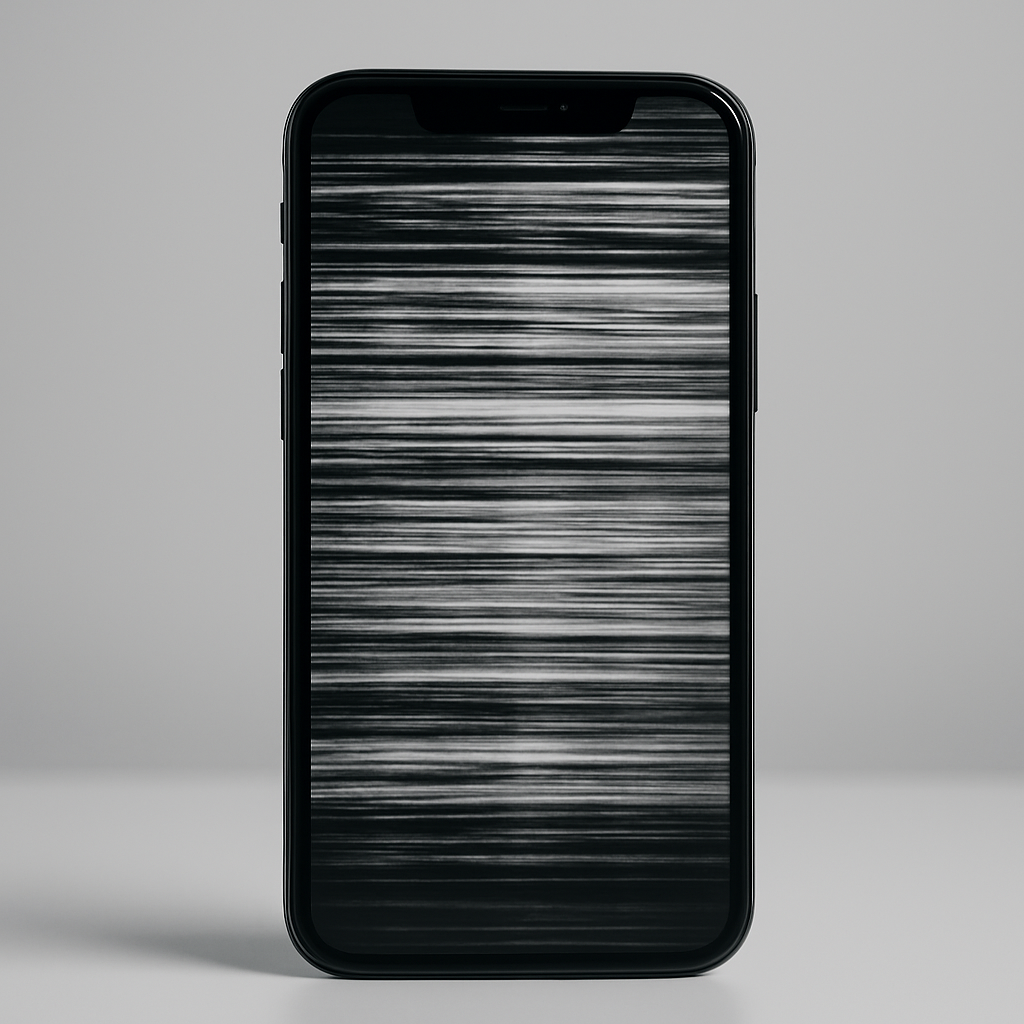
A flickering phone screen isn’t just annoying—it can be a sign of deeper hardware or software issues. Whether it happens occasionally or constantly, screen flickering can interfere with everything from reading messages to watching videos. If you’re in Montreal and need quick and reliable solutions, SubTech Repairs is here to help. This topic falls under the YMYL (Your Money or Your Life) category, as improper handling of flickering screens can lead to data loss or increased repair costs. This guide is packed with professional tips and real-world solutions.
What Causes a Phone Screen to Flicker?
Understanding the root cause of screen flickering is key to solving it. Here are the most common reasons:
1. Software Bugs
Outdated apps, OS glitches, or corrupted files can cause your screen to flash intermittently. It often happens after a new system update or app installation.
2. Display Driver Issues
On Android and some newer iPhones, screen drivers control how the display behaves. Faulty updates or system crashes can affect how the driver communicates with the display.
3. Low Battery or Power Fluctuations
When your battery is failing or your device is undercharging, it may flicker as the screen struggles to maintain brightness.
Note: If your screen flickers more when battery is low, you might also need battery replacement.
4. Hardware Damage
If your phone was dropped or exposed to moisture, internal components like the display flex cable or screen connectors may be loose or damaged.
5. Incompatible or Malicious Apps
Third-party apps that aren’t optimized for your OS or contain malware can interfere with screen rendering. Learn more about this at Android Developers Guide on App Compatibility.
How to Troubleshoot a Flickering Screen (Step-by-Step)
Step 1: Reboot in Safe Mode
This disables third-party apps and lets you check if the issue is software-related.
- Android: Hold power > tap and hold « Power Off » > select Safe Mode
- iPhone: Temporarily delete recent apps or update them manually
If the flickering stops, one of your apps is likely the culprit.
Step 2: Adjust Display Settings
- Turn off Auto-Brightness
- Lower refresh rate if available
- Disable any screen filters or adaptive brightness tools
Step 3: Check for OS and App Updates
An outdated system or app may have known bugs that cause flickering. Head to settings and install the latest updates.
Step 4: Use a Diagnostic App
Use apps like Phone Doctor Plus or TestM to run a screen and hardware check.
Step 5: Reset Phone Settings
On both iPhone and Android, resetting settings (not erasing data) can restore default display parameters.
When to Seek Professional Help
If none of the above steps fix the issue, it’s likely a hardware problem. Here are some signs that you need expert intervention:
- Screen flickers even after a factory reset
- Flickering occurs when pressing or flexing the phone
- Colors invert or ghost images appear
- Phone has visible cracks or water exposure
Visit SubTech Repairs in Montreal for a free diagnosis. We specialize in:
- Mobile screen repair near you
- Tablet screen flicker repair
- iPhone screen replacement
- iPad screen issues
- MacBook screen flickering fixes
- Console display repairs
Preventing Screen Flicker in the Future
1. Use Screen Protectors
Quality tempered glass can prevent minor screen damage that leads to flickering.
2. Avoid Cheap Charging Cables
Low-quality cables can send unstable current, affecting the screen and battery.
3. Update Regularly
Keep your phone’s firmware and apps up to date to avoid compatibility issues.
4. Handle with Care
Drop damage is the #1 cause of screen instability. Use a shockproof case.
Conclusion: Fix It Fast, Fix It Right
Screen flickering may start small, but it can quickly affect your phone’s usability and lead to permanent damage. Whether it’s a software bug or a loose internal component, taking immediate action is key. Follow our troubleshooting tips—and if you’re still stuck, visit SubTech Repairs in Montreal for a quick and professional fix.
FAQs
Q1: Can I fix a flickering screen at home?
A1: Yes, if it’s a software issue. For hardware-related causes, professional help is safer.
Q2: Is flickering dangerous for the phone?
A2: Yes. It can indicate deeper display or power issues that may cause permanent damage.
Q3: How long does screen repair take at SubTech?
A3: Most screen repairs are completed within 1 hour, depending on the device model.